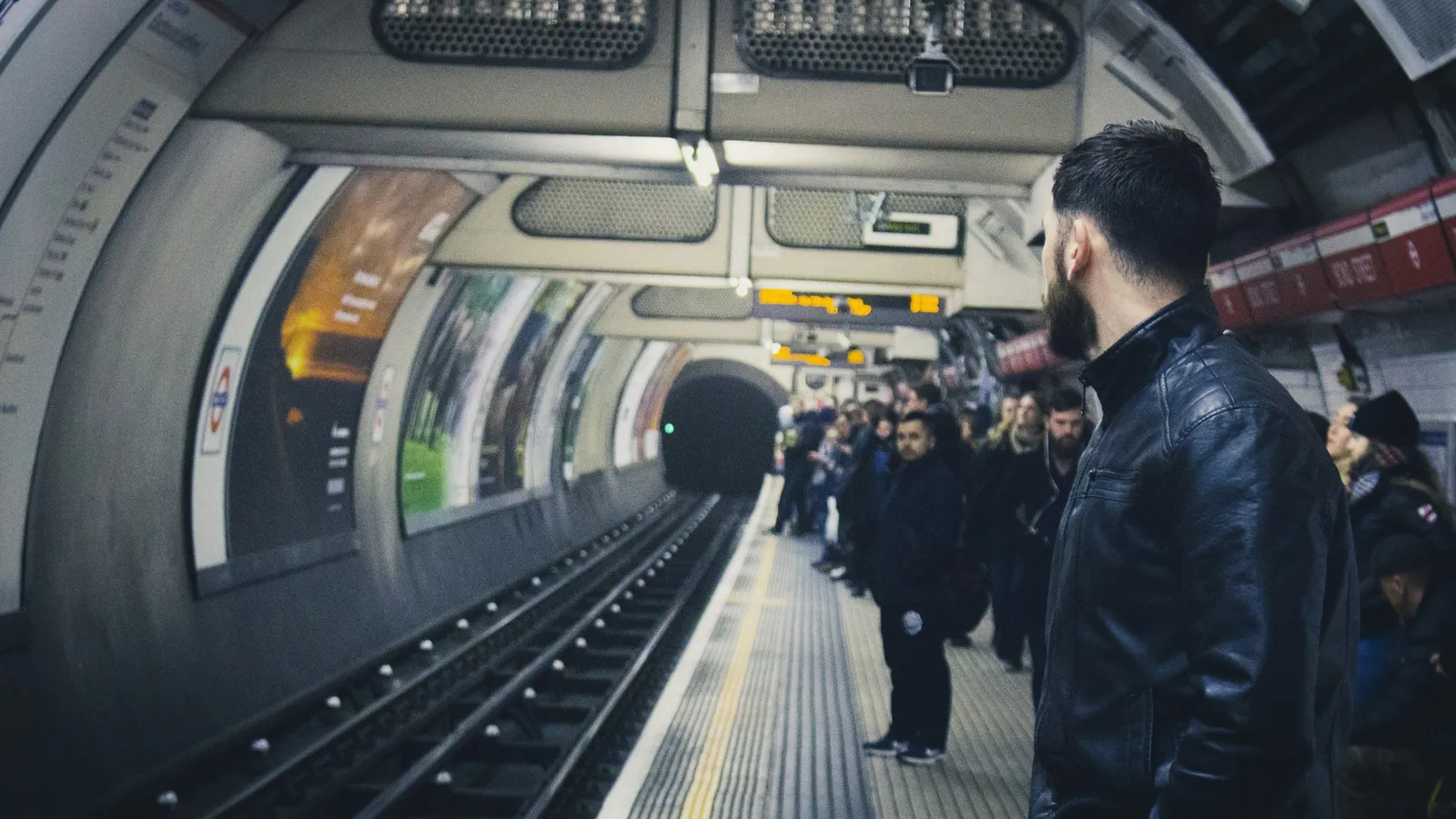
We've used it ourselves in London, New York and Japan – and wouldn't want to travel without it: instead of studying fare zones at a machine, you just hold your iPhone or Apple Watch to the gate. Your device doesn't even need to be unlocked.
How Express Mode works
- No unlocking: with Express Mode you don't need to wake or unlock your device – no Face ID, no Touch ID, no passcode.
- Set-up: in Wallet tap the card, then More › Card Details › Express Mode. On Apple Watch, use the Watch app under Wallet & Apple Pay.
- One card per network: one card per transit network is active in Express Mode – you can switch at any time.
- Even with a flat battery: on supported iPhones, Express Mode keeps working in power reserve for up to five hours after the iPhone switches off for low battery.
- Our tip: the Apple Watch. Wrist to the reader, keep walking – unbeatable at rush hour.
London: Tube, bus and Elizabeth line
- Just tap: Tube, buses, DLR, Overground, Elizabeth line and many trains – no Oyster card needed.
- Daily and weekly caps: TfL caps your fares per day and per week (Monday to Sunday). Once you reach the cap, the rest of the day or week costs nothing extra.
- Always the same device: use the same device to touch in and out. iPhone and Apple Watch count as two different cards – otherwise capping doesn't work.
- On buses you only tap when getting on, not when getting off.
- Cards from abroad usually work, but your bank may charge foreign transaction fees.
It works the same from the airport – see Heathrow and Gatwick, Stansted, Luton, City.
New York: OMNY for subway and bus
- OMNY instead of MetroCard: on the subway and buses you tap your card, iPhone or Apple Watch on the OMNY reader.
- Weekly cap: from your first tap, you pay at most $35 within seven days for subway and local bus – after that you ride free.
- Tap the same way every time: each device counts separately here too. Always use the same iPhone or Watch with the same card.
Getting from JFK into the city is covered in our JFK guide, mobile data for the US in our US eSIM guide.
Japan: Suica in Apple Wallet
- Suica right on your iPhone: in Wallet tap +, choose Transit Card › Suica, load an amount – done. No plastic card needed.
- Express Mode is on straight away: Wallet turns it on automatically for your first transit card.
- Top up with Apple Pay: add credit directly in Wallet – even on the platform.
- More than trains: with Suica you ride JR, subways and buses and can also pay at vending machines and many convenience stores.
And in Paris?
Since 2024 the Navigo card has been available right in Apple Wallet. You load tickets and passes in Wallet or in the Île-de-France Mobilités app. The airports need a separate ticket, though – more in our Paris guide.
In Germany, tapping to ride is still the exception – use the Deutschland-Ticket or a mobile ticket; more in our train guide.
Official information

After landing, Voynera's arrival briefing shows the route and travel time to your accommodation – and thanks to Express Mode your ticket is already on your wrist.
As of November 2026 · without guarantee · Quellen: Apple Support, Transport for London, MTA/OMNY, Stand November 2026 – Angaben ohne Gewähr