Advertising: links marked * are partner links. If you buy or book through them, Voynera earns a commission – the price stays the same for you. Your contract is directly with the provider. As an Amazon Associate I earn from qualifying purchases.
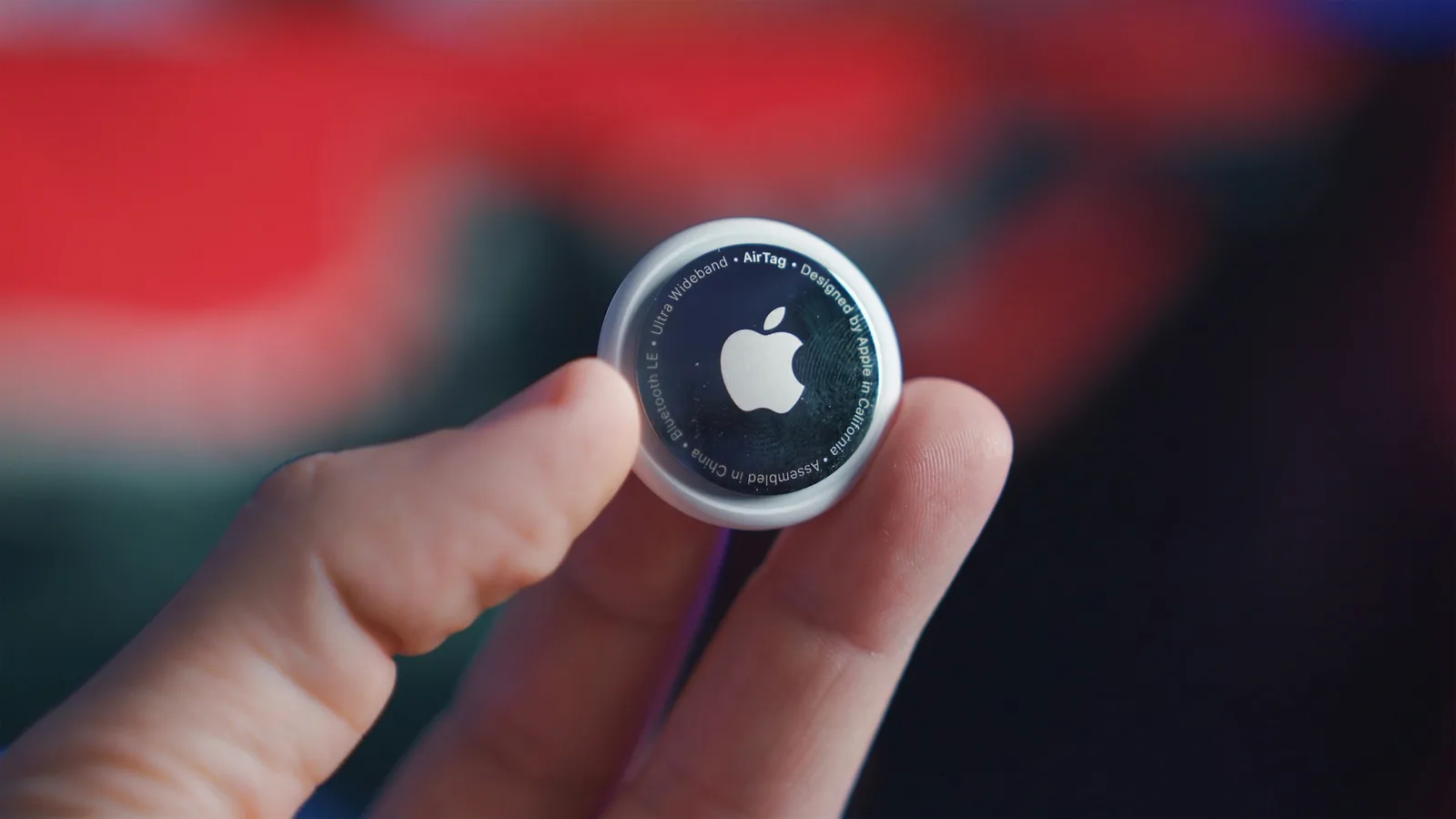
Waiting at the baggage belt with no idea whether your suitcase even made the flight – it doesn't have to be that way. An AirTag is cheap, fits in any bag and shows you in the Find My app where your luggage is. Since iOS 18.2 you can even share the location directly with the airline.
How to set it up
- Pair: hold the AirTag next to your iPhone, tap Connect and give it a clear name, e.g. “Blue suitcase”.
- Stow it well: ideally inside the suitcase, e.g. in an inner pocket – on an outside tag it's visible and can be torn off.
- One per bag: your carry-on deserves one too, in case it has to go in the hold at the gate.
- Share with your travel companions: in Find My you can share an item with up to five people – then everyone can see where the shared suitcase is.
If your bag doesn't arrive
- Report it first: report the bag missing at the baggage desk or online with the airline.
- Then share the location: in Find My select the AirTag and tap Share Item Location. Give the link to the airline – they see the location on a map that updates continuously.
- Ends automatically: sharing stops as soon as you have your bag back – after seven days at the latest.
- Your rights: deadlines for damage and delay claims are in our guide to delayed flights and baggage.
According to Apple, more than 50 airlines take part, including Lufthansa, SWISS, Austrian, Brussels Airlines, Eurowings, Condor, British Airways, Air France, KLM, Iberia, Aer Lingus, Turkish Airlines, United and Delta.
Good to know
- Allowed in checked bags: the small coin cell in an AirTag may go in checked luggage – airlines such as Lufthansa have confirmed this explicitly.
- Check the battery before you go: the AirTag uses a CR2032. Find My warns you when it's low. Some spare batteries with a bitter coating don't fit every AirTag.
- AirTag 2: the second generation arrived in January 2026. Sharing with airlines needs iOS 26.2.1 or later; the original AirTag works from iOS 18.2.
- No iPhone nearby? The AirTag uses the Find My network – other Apple devices nearby report its location anonymously. At airports that almost always works.
- Protection against misuse: if someone else's AirTag travels with a person for a while, they get an alert. That can happen when a travel companion carries your bag – just share the AirTag with them.
Take it with you
Read more
- Carry-on: sizes, liquids and power banks
- Flight delayed or bag missing: what to do
- Public transport with Apple Pay: Express Mode in London, New York and Japan

After landing, Voynera's arrival briefing shows your baggage belt – and with an AirTag you already know whether your suitcase made it.
As of November 2026 · without guarantee · Quellen: Apple (Wo ist?, Objektposition teilen), MacRumors 26.01.2026 – Angaben ohne Gewähr